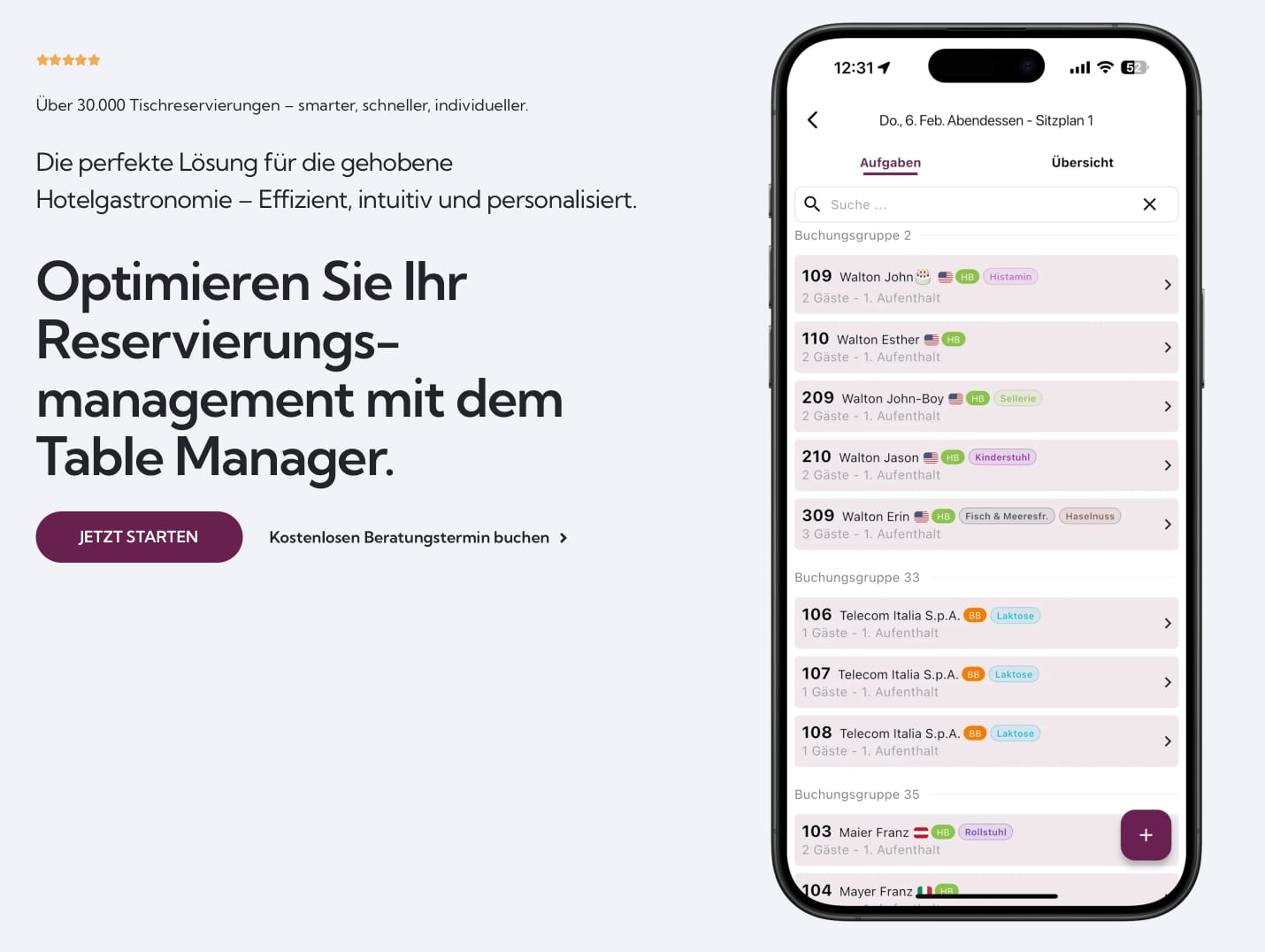
Table Manager is used around a physical room. The table plan, incoming reservations, walk-ins, service timing, and notes about a returning guest all need to agree with what staff can see in front of them.
During service
The main screen is a working surface rather than a management report. Staff can move bookings, place a walk-in, see the current occupancy, and open relevant guest notes without leaving the table view.
That design has to support two very different moments. Before service, the team can plan carefully. During the busiest hour, the same system must make the next action obvious and stay stable while information changes.
One record across the handover
Reservations often begin outside the floor team. They may arrive through another booking channel, be discussed by email, or include information held in a property system. Table Manager brings the parts needed for service into one record and keeps changes available across shifts.
The system also connects with PMS and Microsoft 365 workflows. These connections reduce parallel note-taking, but the table view remains usable if a connected service responds slowly.
The current case study covers the product and integration shape. Commercial figures and site-specific operating results will be added only where clients approve them for publication.